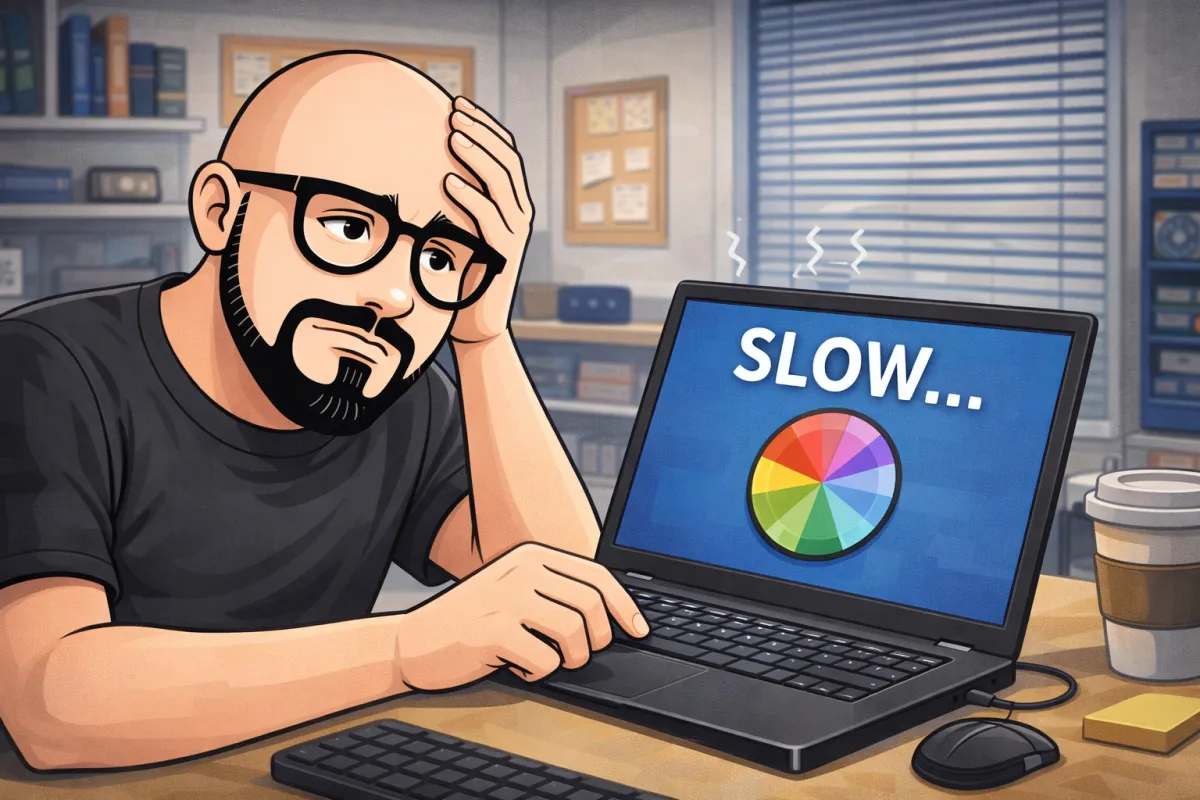
Why Is My Computer So Slow? Common Causes and Simple Fixes
“I see this all the time. People think their computer is dying, but most of the time it just needs the right cleanup or adjustment. A slow computer doesn’t always mean you need a new one.”
— Junior, IM THE GEEK
Introduction:
A slow computer can be frustrating, especially when you rely on it for work, school, or everyday tasks. Many people assume a slow computer means it’s old or broken, but that’s often not the case.
In reality, most performance issues come from a few common problems that are usually fixable with the right approach. Let’s break down the most common reasons computers slow down and what you can safely try on your own.
1. Too Many Programs Running in the Background
One of the most common reasons computers slow down is having too many programs running at the same time, especially right after startup.
Some software automatically opens in the background without you noticing, using memory and processing power.
Simple things you can try:
Restart your computer regularly
Close programs you’re not actively using
Avoid installing unnecessary software
“When a computer takes forever just to turn on, it’s usually not broken. It’s just overloaded with things running in the background.”
2. Low Storage Space
Computers need free storage space to work properly. When the hard drive is almost full, performance can drop quickly.
Signs this might be the problem:
Files take a long time to open
The system freezes
Random error messages appear
What helps:
Delete files you no longer need
Empty the recycle bin
Move large files to cloud storage or an external drive
“A full hard drive is like trying to work on a desk covered in clutter. The computer just doesn’t have room to breathe.”
3. Missing Updates
Operating systems and programs get updates to fix bugs, improve performance, and close security holes. Skipping updates for too long can cause slowdowns and instability.
Keeping your system updated often solves issues people don’t even realize are update-related.
4. Viruses or Unwanted Software
Malware and unwanted programs can quietly run in the background, using system resources or showing ads. This often causes sudden slowdowns.
If your computer became slow out of nowhere, this is something worth checking.
“A lot of slow computers I see aren’t old — they’re just fighting off things that shouldn’t be there.”
5. Hardware Limitations
Sometimes a computer is slow because it’s being asked to do more than it was designed for. Older hardware can struggle with newer software or heavy multitasking.
In many cases, small adjustments or upgrades can make a noticeable difference without replacing the entire computer.
When Should You Get Help?
You should consider professional help if your computer:
Stays slow even after basic cleanup
Freezes or crashes often
Shows warning messages
Is affecting work or productivity
“The biggest mistake I see is waiting too long. Small issues are easier and cheaper to fix when caught early.”
Local Computer Repair You Can Trust
At IM THE GEEK, we help home users and small businesses fix slow computers by identifying the real cause of the problem — not just applying temporary fixes.
Clarity comes first. Once you understand what’s actually going on, the solution becomes much simpler.
Final Thought
If your computer is slow, don’t assume the worst. In many cases, a few smart adjustments can make it feel fast and reliable again.
If you’d like help figuring out what’s slowing your system down, starting with a quick tech check or a conversation with a local expert can save you time and frustration.
